All forms are included FREE OF CHARGE in your database!
I have designed and built over 6,500 forms and sub-forms since 1996. From this experience I have identified the most common forms businesses typically need. The layout of these forms tends to be uniform, though the form's purpose and fields used varies greatly depending on the specific workflow of the business. Forms are used as menus, data entry and edit forms, sub-forms and datasheets, status viewers and search forms.
I'll customize your forms to fit your needs.
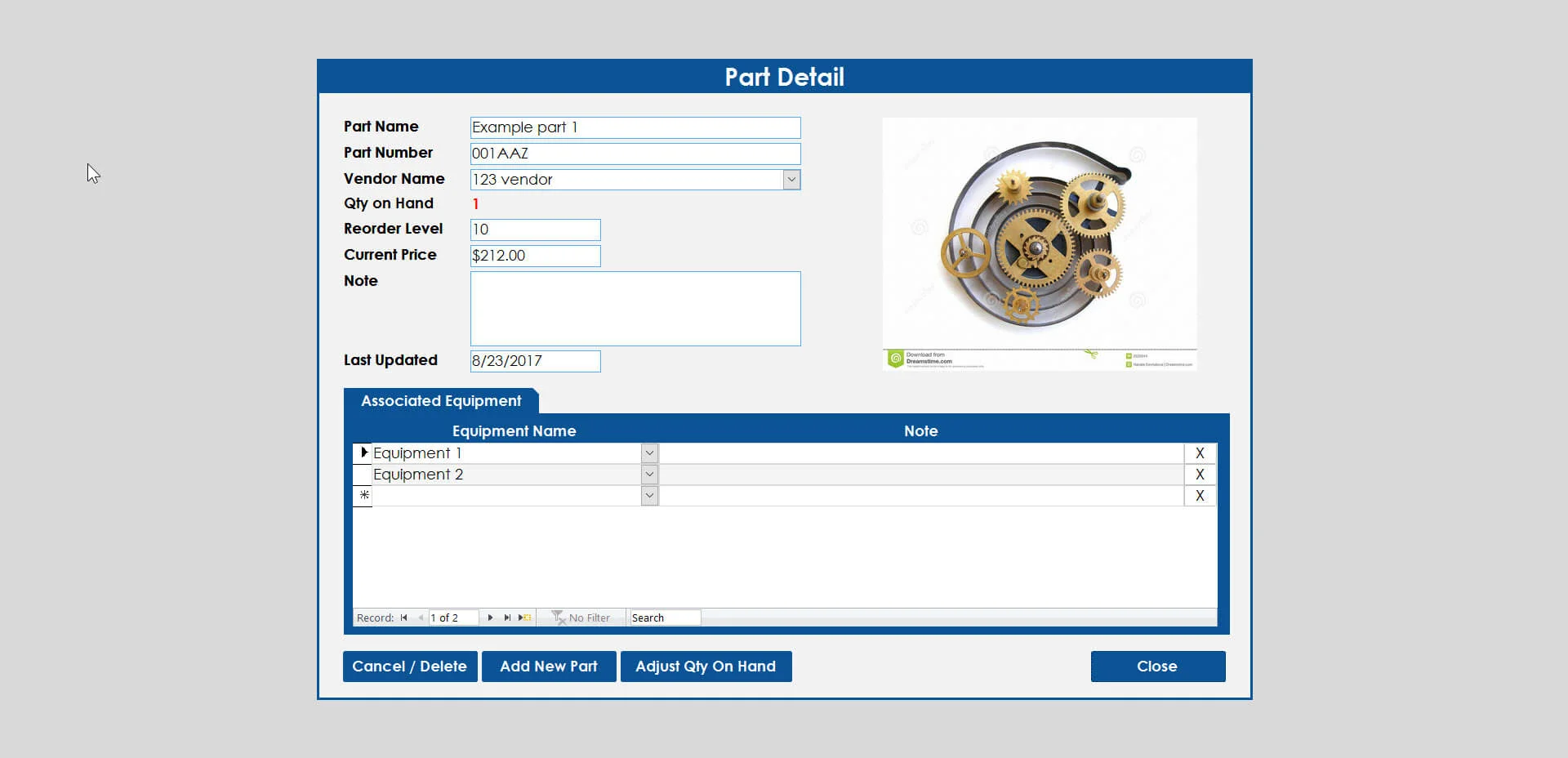
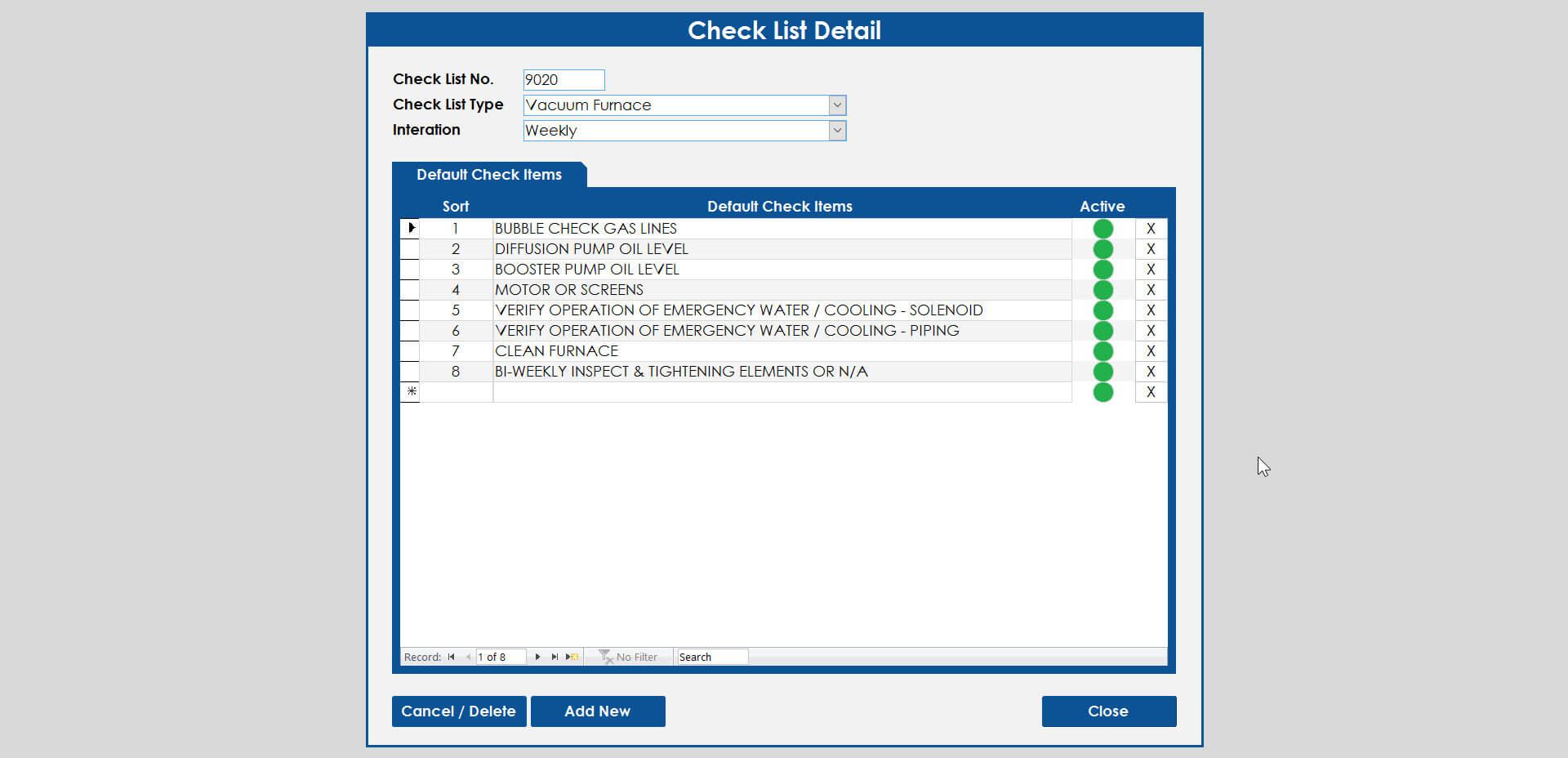
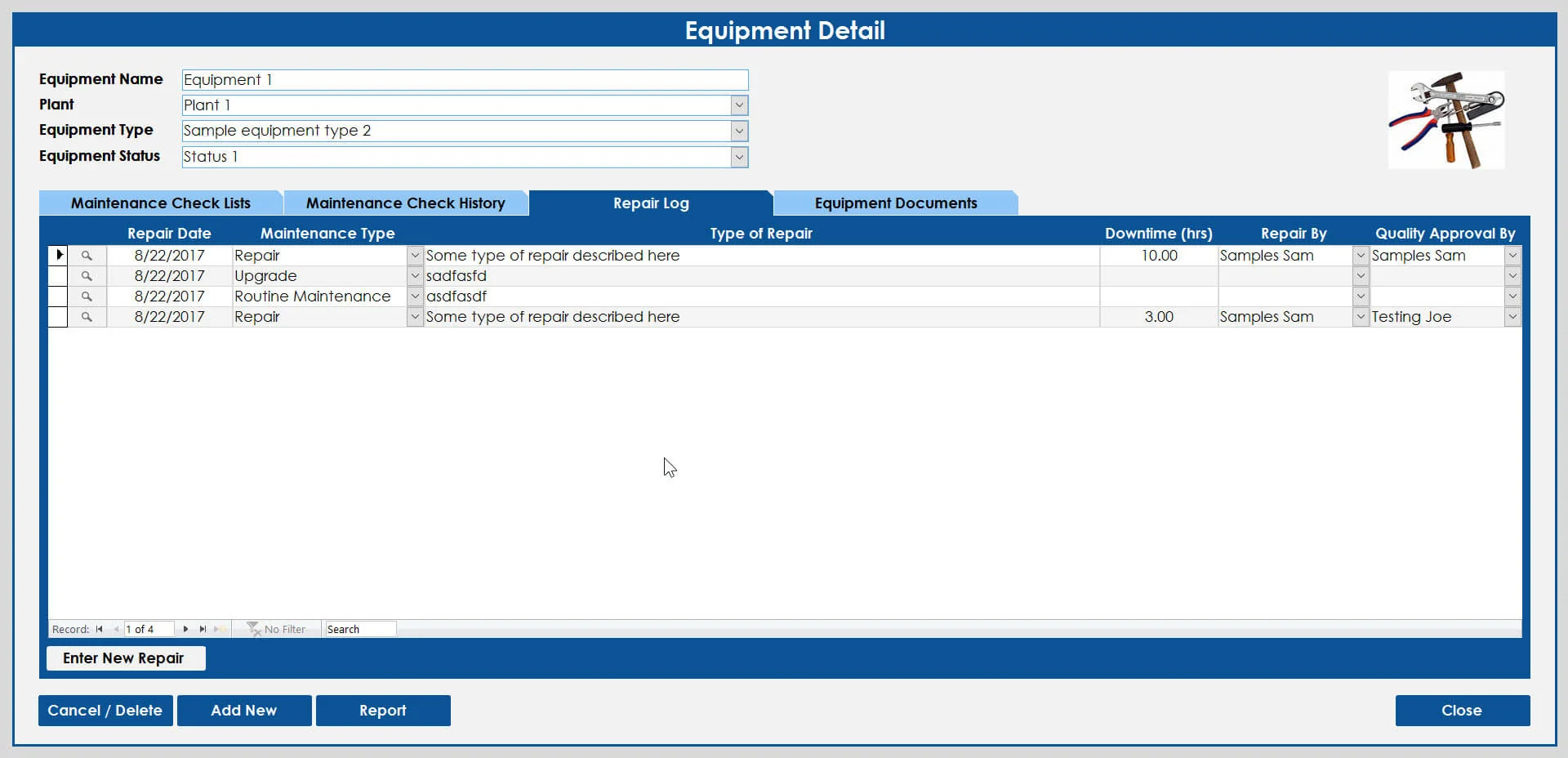
These
forms have fields for entering and editing your data.
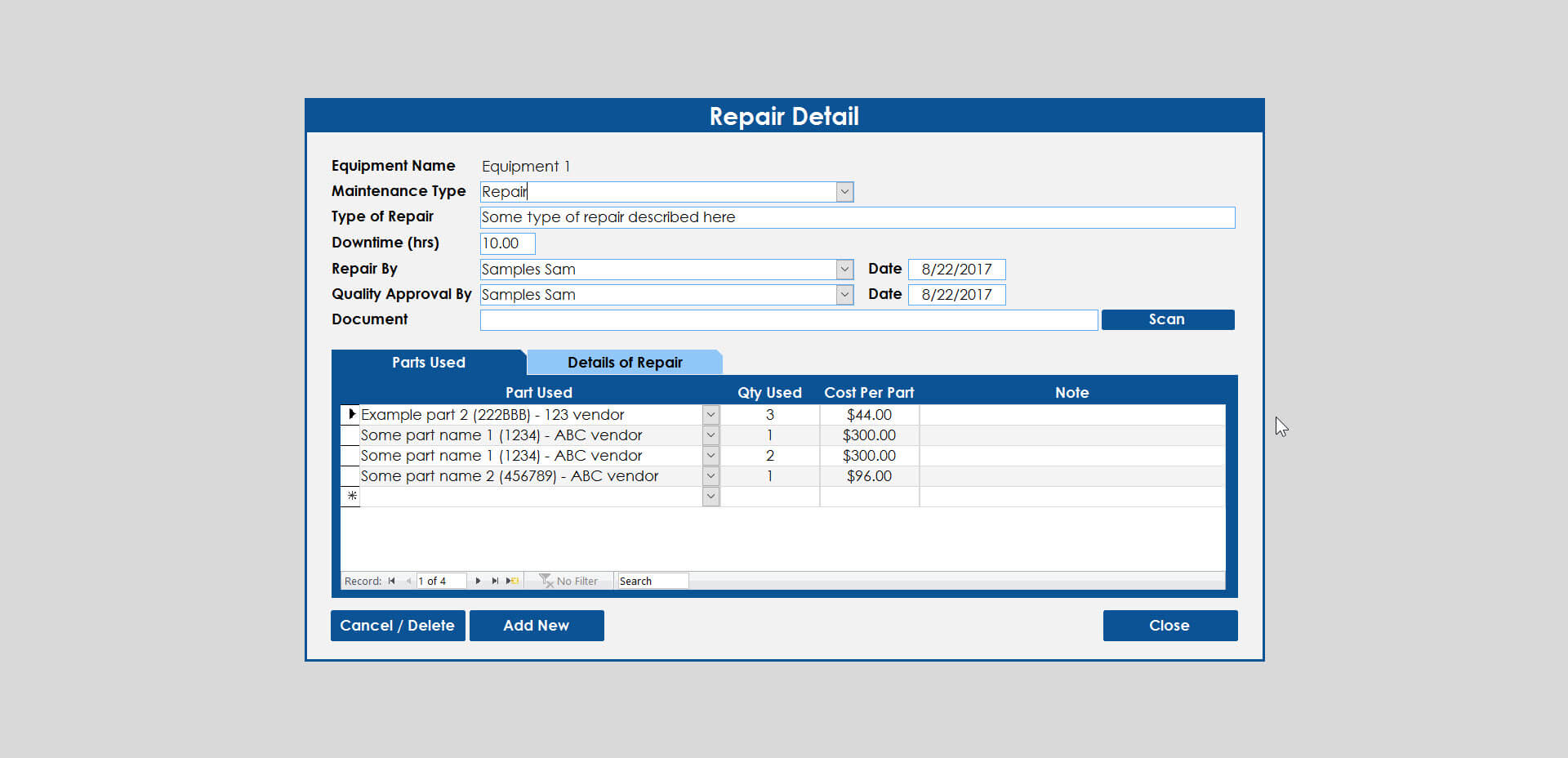
(Click on the images below to zoom) Most databases have several
data entry forms. These are typically the forms that are
used the most. They can be used for looking up your clients,
orders, jobs or any record of data based on your business needs.
These might have fields laid out vertically or with a datasheet
of columns and rows of records. All sorts of fields and
controls can be placed on this type of form.
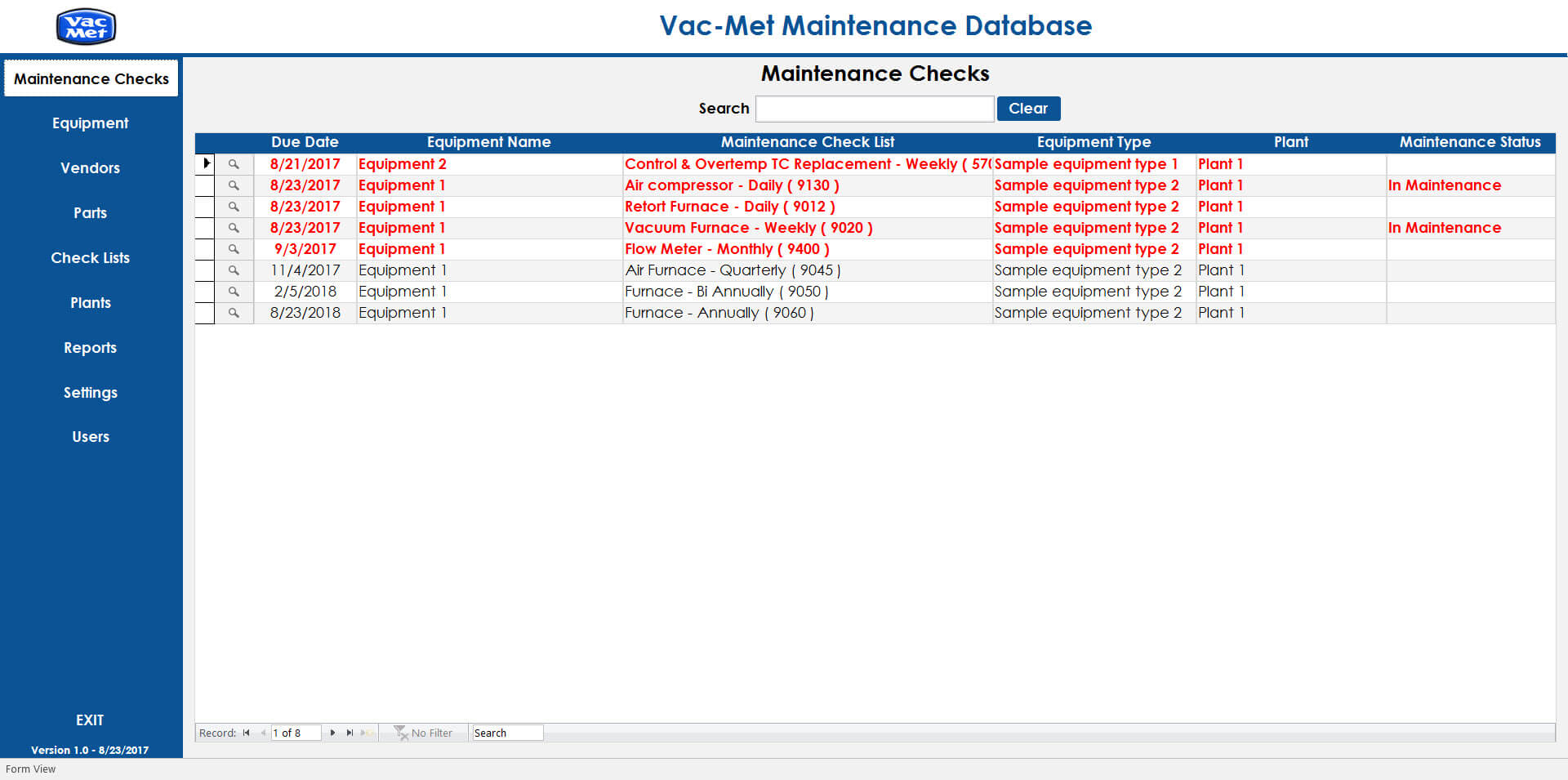
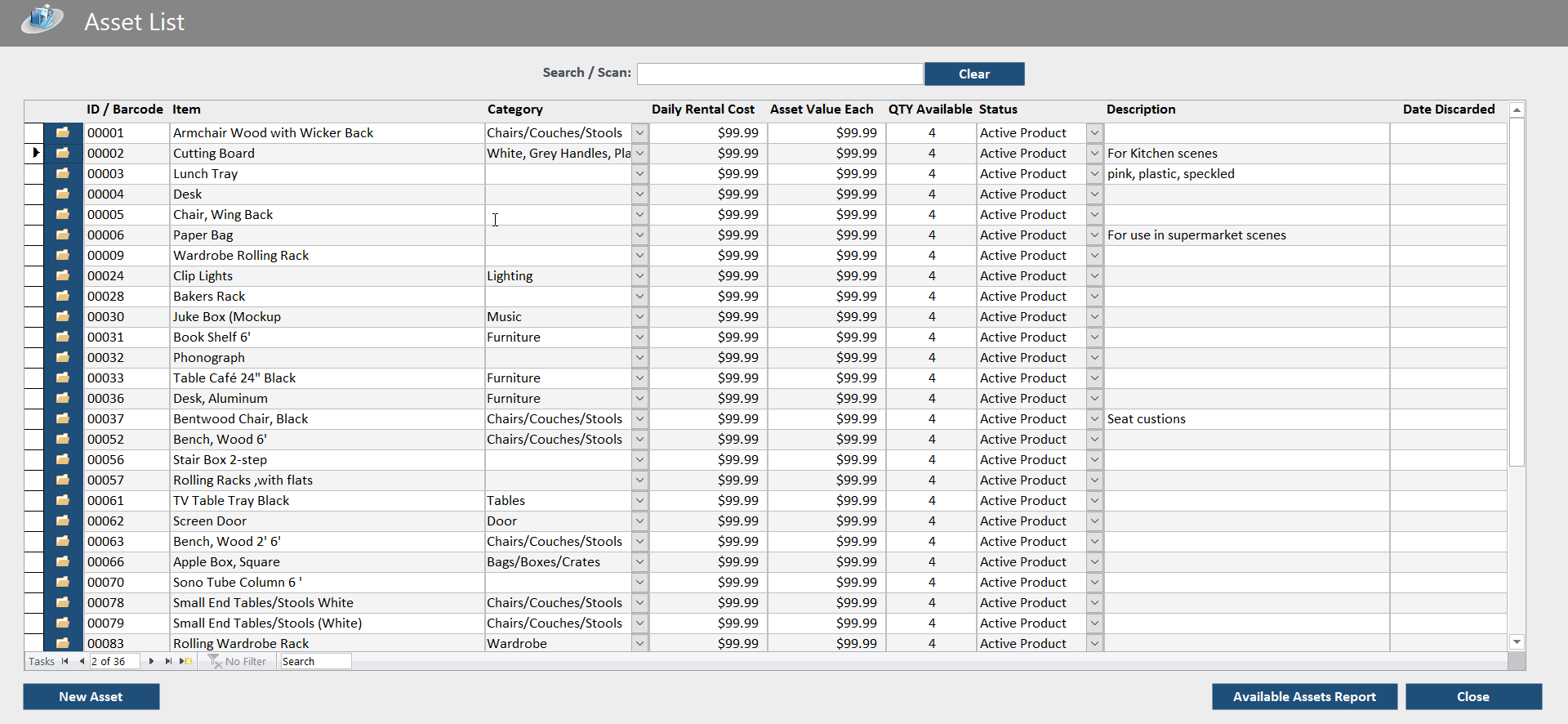
Used
to easily view the status of many records at once. Usually
formatted in columns and rows with conditional formatting (color
coding) so you can quickly see what's going on. Double-clicking
on any record opens up a form with all the details.
Forms
used to navigate in your database. These forms are not intended
to have any fields, only buttons to open other forms and reports.
About half of all databases use menus, the other half just open
to a data entry form or a search form because they don't really
need a main menu at all. That's up to you to decide during the
design phase.
These
allow you to enter a date range and select criteria just before running
reports.
These
forms are used to manage settings in your database. Typically
these are used to manage the values of your combo-boxes (dropdowns)
and can also be used for global database settings.
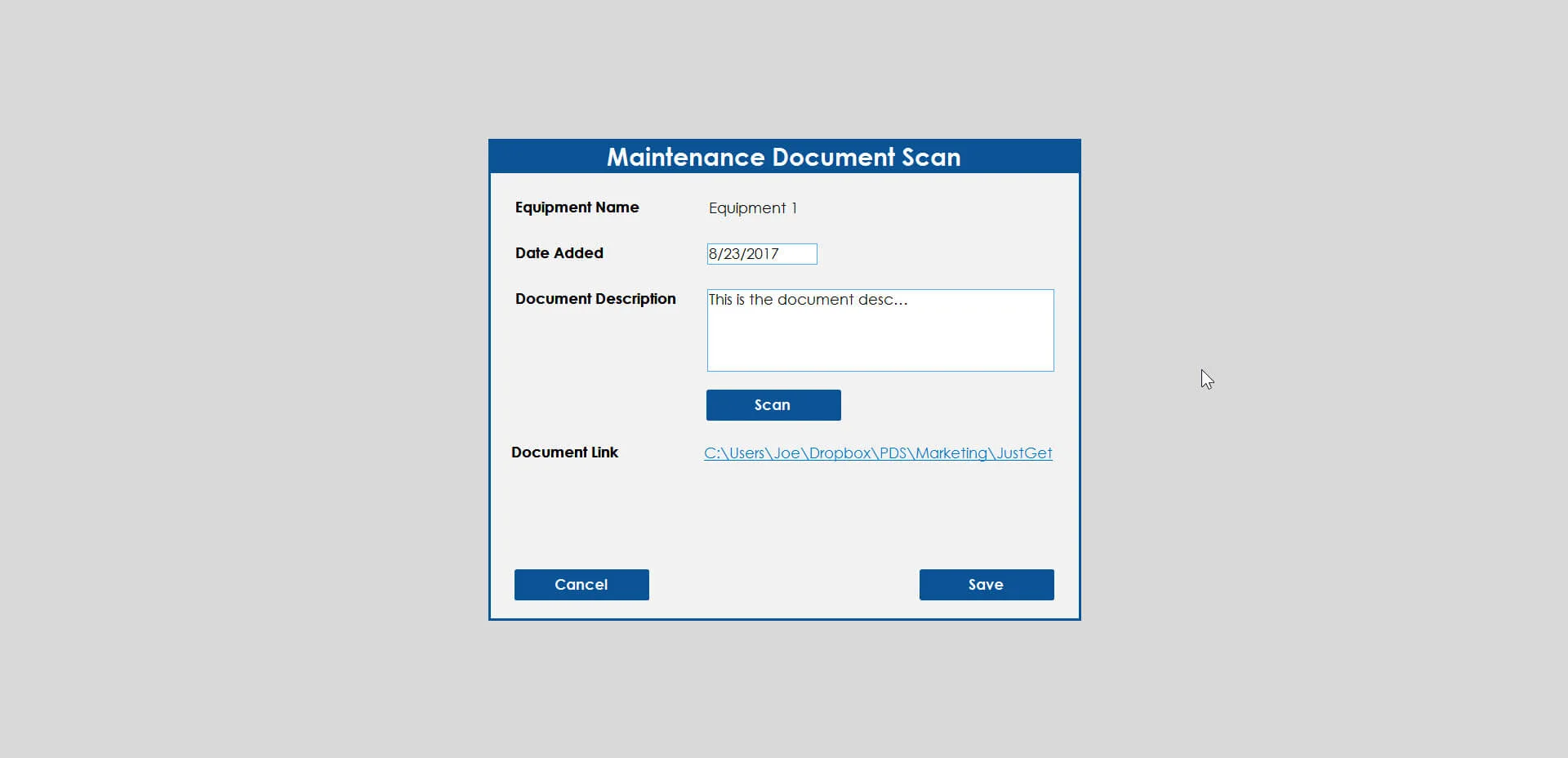
These
forms are for specialized purposes such as importing and exporting
data, compiling letters and other specific needs. I normally
design most of these from scratch.