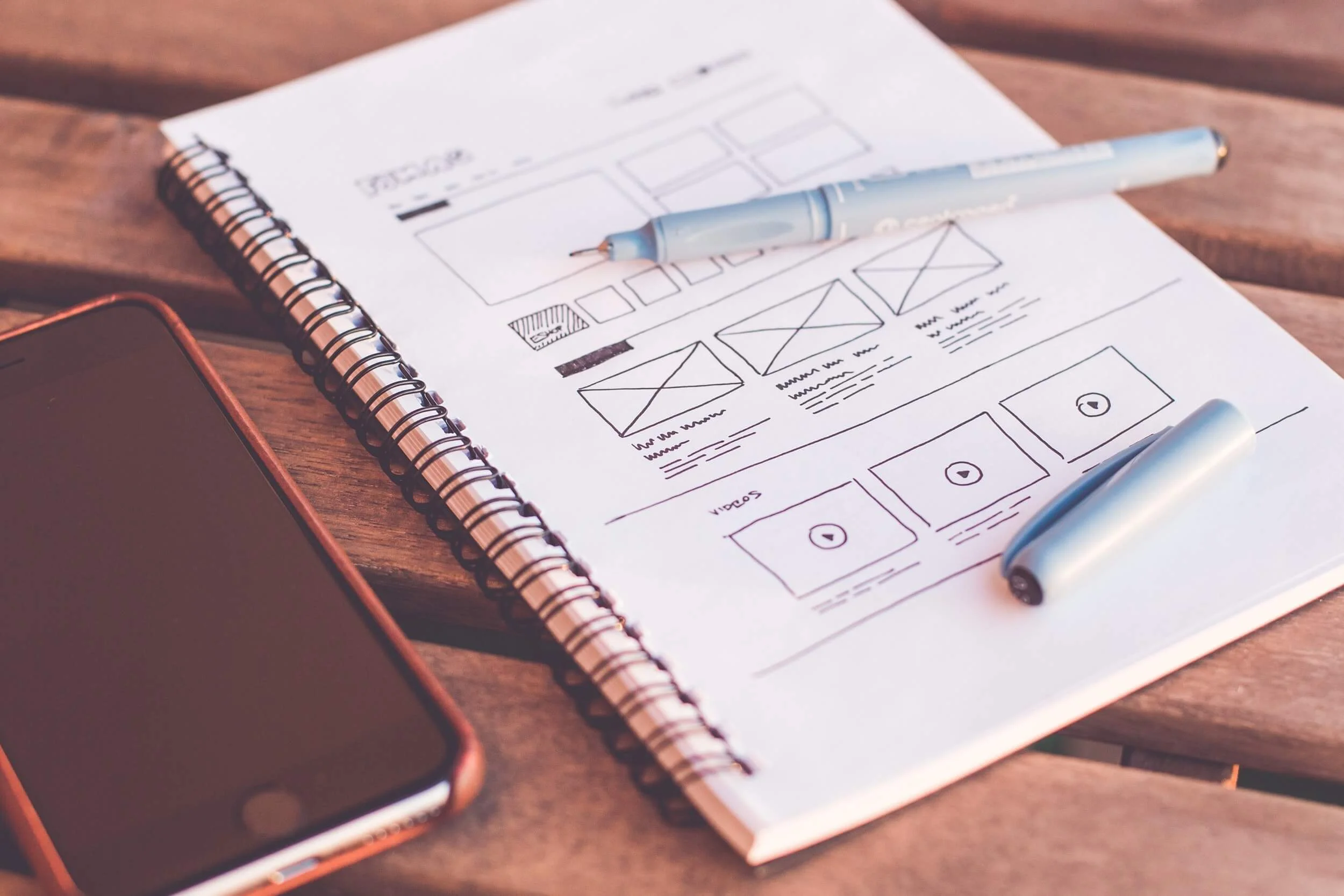
7 Steps to Your Access Database

Our process is different because we focus on designing your MS Access Database around your unique business workflow so it fits your business like a glove. Our team learns how you operate and builds a database that works like you do. Start by getting a free consultation and quote.

#1 Free Consultation & Quote
During your free consultation, we will discuss your ideas, your needs, and review the samples you have. Then we will prepare an itemized flat-rate price quote based on your needs. Once you are happy with your quote then we will schedule your project.

#2 Mapping Your Workflow
A member of our UX design team will first map out your workflow. We'll identify exactly what roles the database should play in your business workflow. It's essential that we build your database around your business workflow so that your existing business rules and procedures are supported.
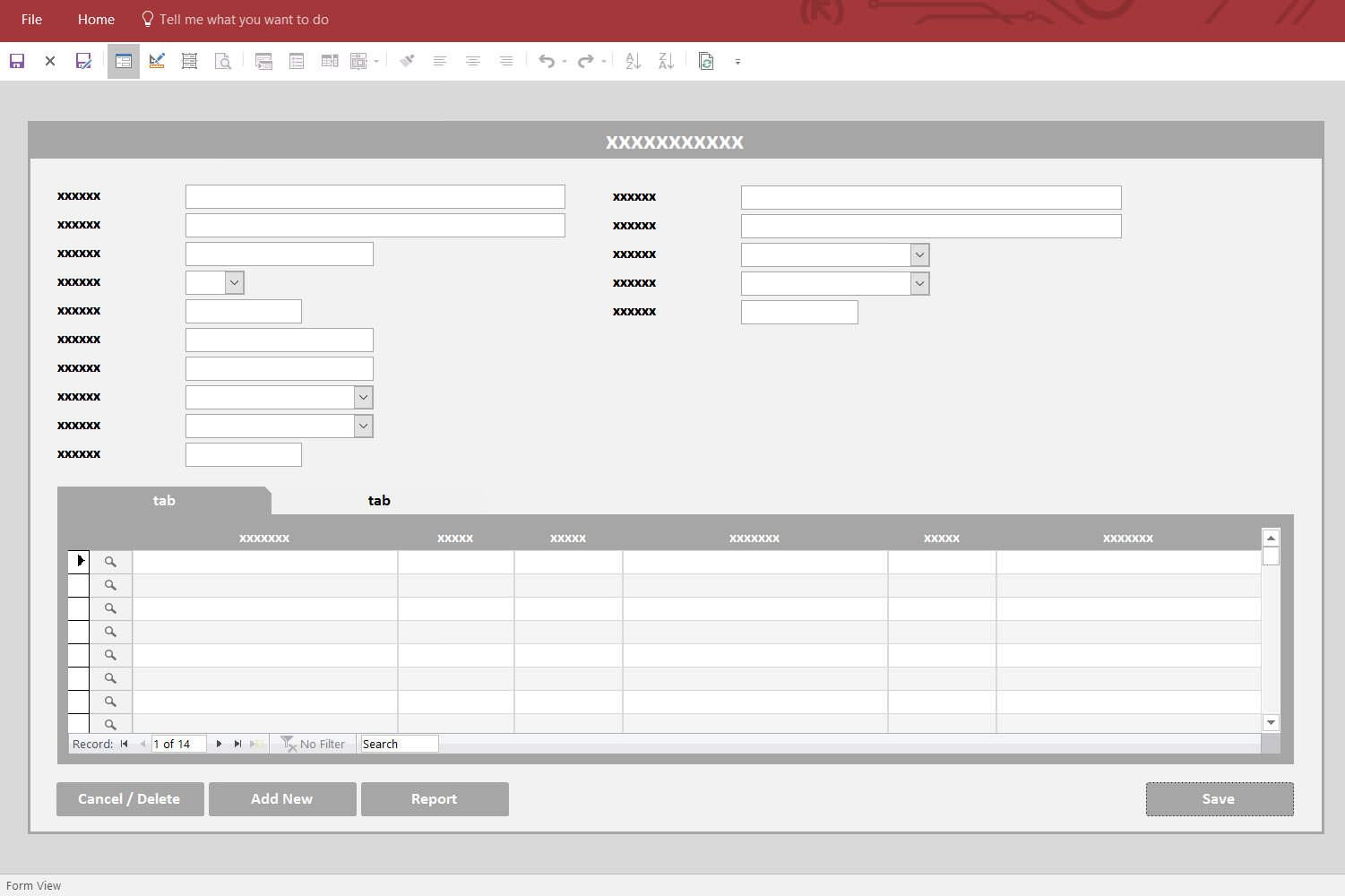
#3 Designing Your Database
A member of our Design Team will create a design based on your workflow. The design will be on placed an online "design board" where you can see what your database will look like and give us feedback. We will refine the design until you are completely happy with it.

#4 Building & Coding
Next, we will use the design as a guide as our Development Team builds and codes your Access database. When finished, your database will look like your design with all the fields, tables and code in place and fully functional.

#5 Installing Your Database
We can install your database for you by screen share web meeting so we can see your screen and set up everything properly. Some of our clients choose to install themselves since it's so simple but in most cases we do it for you while you watch.

#6 Training
Once installed, we will train you on how to use your database by screen share web meeting. Most of our Access Databases are designed to be so simple that it takes less than half an hour to go through everything with you.

#7 Making Corrections
If you find anything in your Access Database that is not working as it was designed in your mock-up, then we will make the need corrections at no charge to you for as long as you own your database. We guarantee it will work as designed.